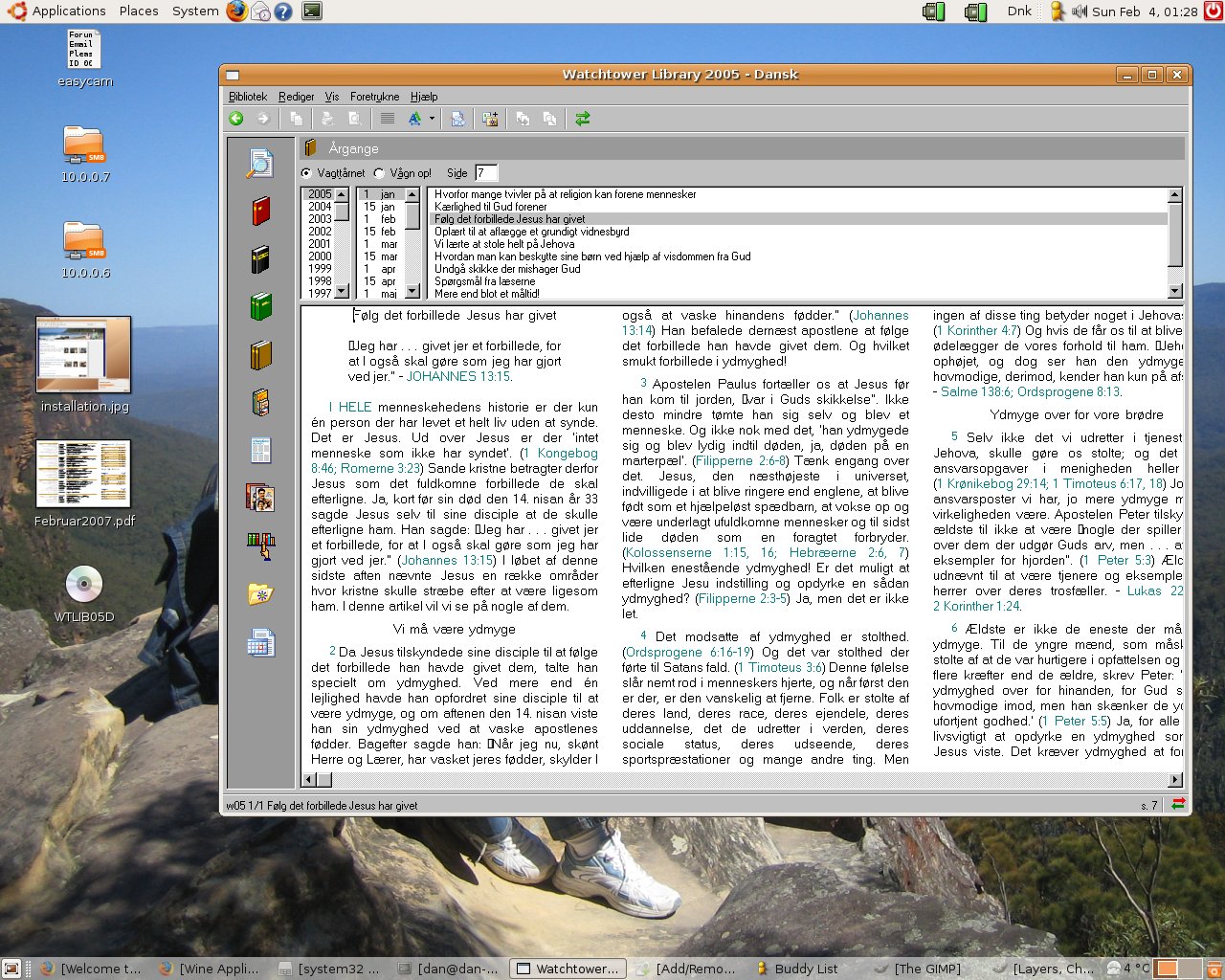
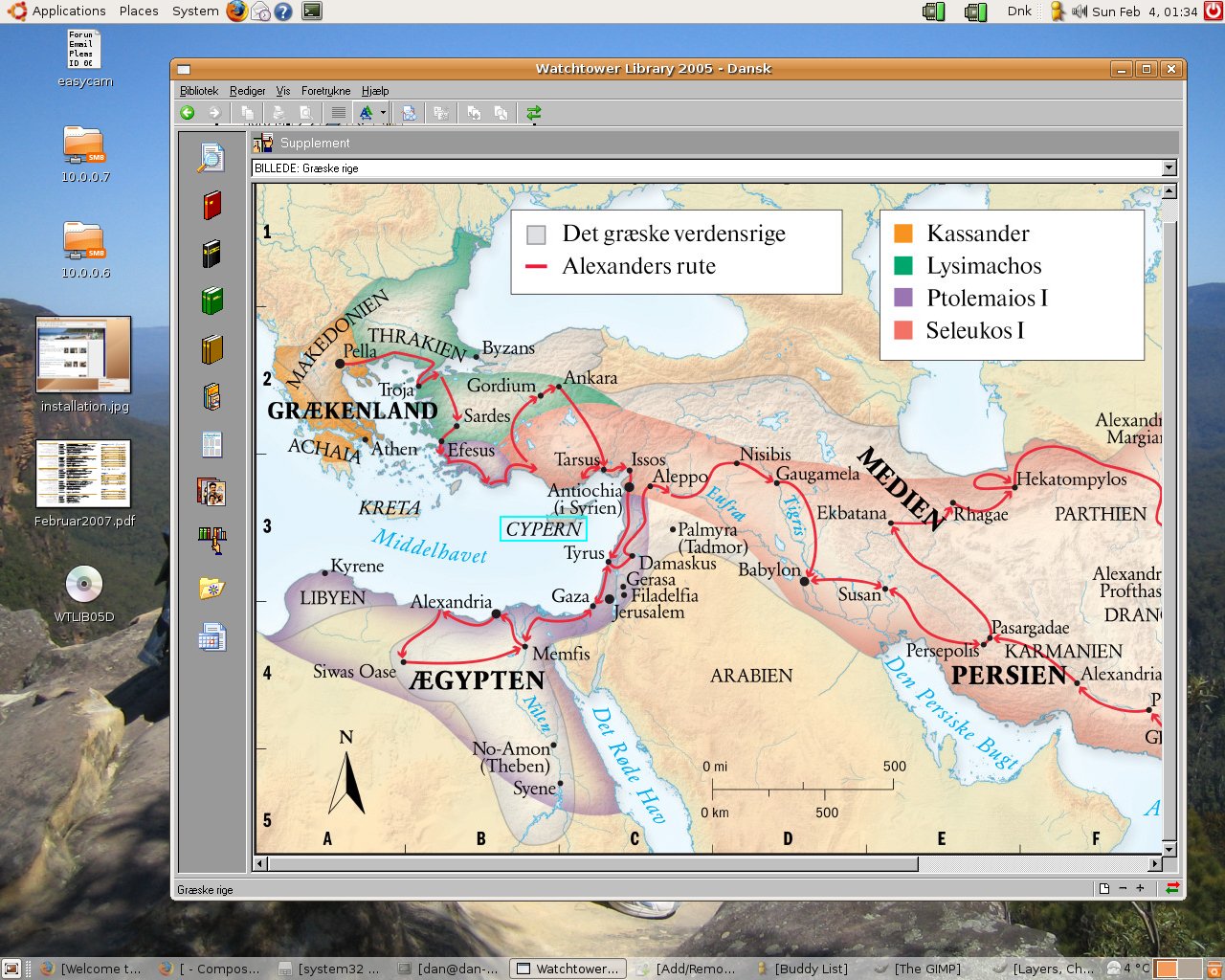
WOW! I can't believe it. I got Watchtower Library running on Ubuntu and it took me about 15 minutes. This is how I did it:
Installing:
In the Applications menu I selected Add/Remove
I searched for and installed wine
I inserted the Danish Watchtower Library in the CDROM drive
Ubuntu popped up and showed me the contents of the CDROM
Right clicked on setup.exe and select Open with…
type wine
A normal Watchtower installation then occurs, I selected hard disk installation
A successfully installed screen pops up and the installation process is complete.
Running:
Running the Watchtower Library was a bit more tricky, so I did a search on the Internet and found out that I needed to do the following to run Watchtower Library:
open a command window
enter this command: cd ~/.wine/drive_c/Program\ Files/Watchtower/MEPSCommon/
and then this command: wine ../Watchtower\ Library\ 2005/d/wtlib.exe
Please note that this command is for the Danish 2005 version. You might need to type wine ../Watchtower\ Library\ 2005/e/wtlib.exe to get the English 2005 version to run.
That was all that I did to get Watchtower Library to run in Linux. Very handy and easy!
Tips:
One little tip: If you have trouble looking in the Bible or the Watchtower Volumes then you probably need to click and drag the window a bit.